 Skip to content


Enterprise Technical SEO: How to Run Technical SEO on Large Websites
Enterprise technical SEO explained: URL governance, faceted navigation, JavaScript rendering, hreflang at scale, sitemaps, CI tests and monitoring that keep large sites crawlable.
Quick Answer
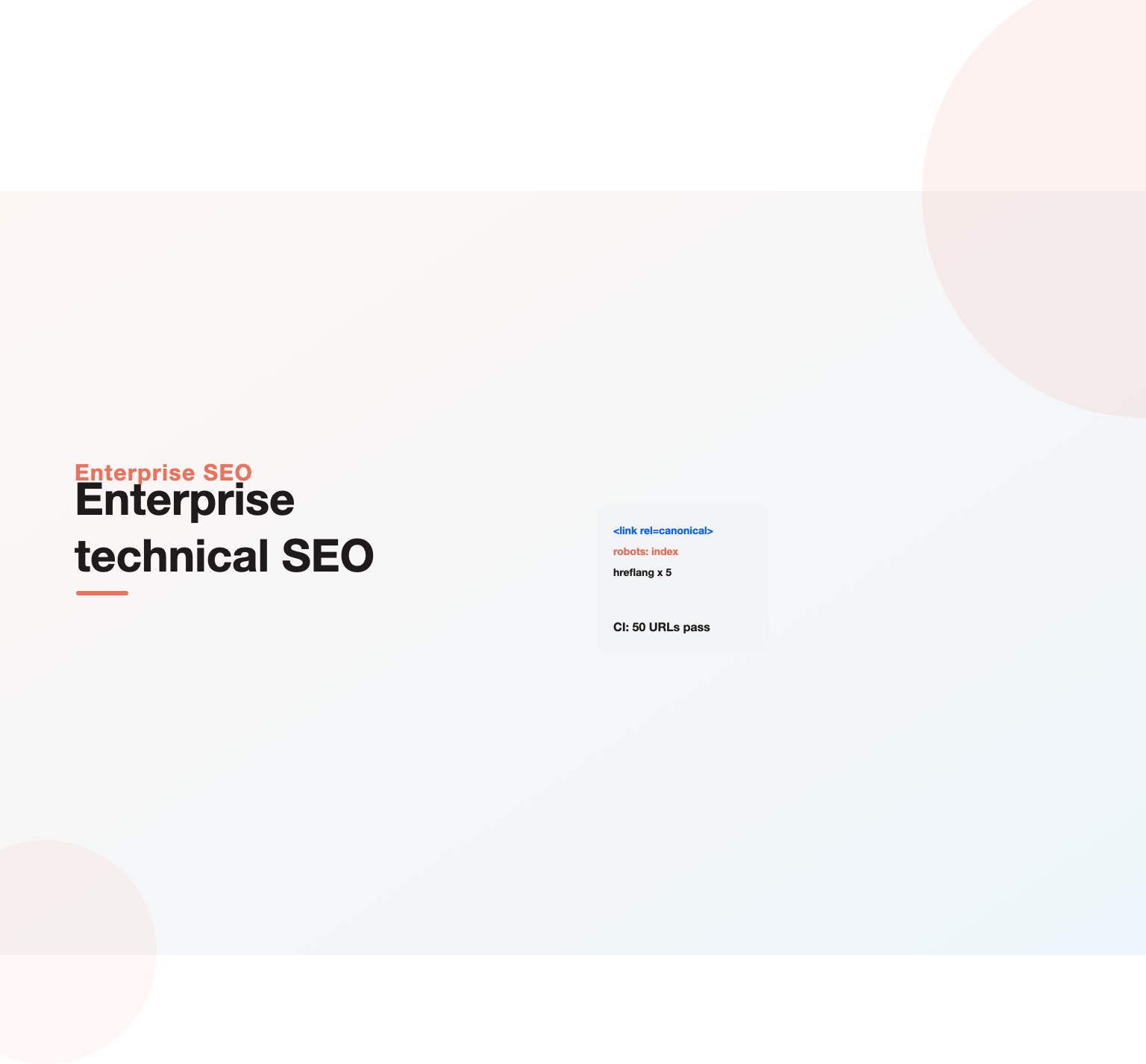
Enterprise technical SEO is the engineering side of search for very large websites: the platform, templates, rendering, URL rules, infrastructure and release processes that decide whether search engines can crawl, render, index and rank hundreds of thousands of pages. The checks are the same as on any site, but the work is different. Fixes are made in shared code and configuration rather than on single pages, they ship through engineering sprints, and they need automated testing so one release does not undo a year of progress. Success comes from treating SEO requirements as product requirements, owned and tested like performance or security.
Key Highlights
- What makes technical SEO on a large site a different job, and why page-level fixes stop working.
- The eight technical systems that matter most at scale, from URL governance to edge delivery.
- How to handle JavaScript frameworks, headless CMS setups and server-side rendering choices.
- Rules for faceted navigation, pagination and parameters that keep crawl focused on revenue pages.
- International setups, hreflang at scale and multi-domain architecture.
- How to build SEO checks into CI pipelines, monitoring and release governance.
What enterprise technical SEO actually covers
On a small site, technical SEO is a list of tasks: fix broken links, add a sitemap, compress images, set canonicals. On a site with 300,000 URLs, five country versions, a JavaScript front end and ten teams shipping code every week, the same tasks turn into systems. Who decides URL formats? Which service generates canonical tags? What happens to robots rules when a new microsite launches? Enterprise technical SEO is the discipline of designing and running those systems so search engines see the site the way the business needs them to.
Overdrive Interactive puts it simply in its guide to enterprise technical SEO: the practice is not very different from technical SEO on any site, it scales differently and involves more teams. That is the heart of it. The knowledge is shared; the operating model is not.
It also differs from an audit. An audit is a point-in-time diagnosis; our guide to the enterprise SEO audit covers that process. Enterprise technical SEO is the ongoing work that follows: building the fixes into the platform and keeping them there. For the broader program, including content and teams, see our guide to enterprise SEO.
Why large sites need a different technical approach
Four things change once a site reaches enterprise scale.
- Templates multiply every decision. A missing canonical on one product template is a missing canonical on 80,000 pages. Good decisions scale just as fast, which is the opportunity.
- Crawl capacity becomes a real constraint. Google’s documentation on crawl budget for large sites says it matters mainly for very large or fast-changing sites. That is the enterprise case.
- Change is constant. Product, marketing and engineering teams ship releases weekly or daily. Every release can alter markup, links or response codes.
- Ownership is spread out. The SEO team rarely controls the code. It has to influence platform, infrastructure and product teams with clear requirements and evidence.
The practical result is that enterprise technical SEO looks more like platform engineering than marketing. The SEO lead writes requirements, reviews designs, defines tests and monitors outcomes, while engineers build the changes.
URL governance
Every large site needs written rules for how URLs are created. Without them, teams invent formats, add tracking parameters to internal links and launch duplicate paths for the same content. Write down and enforce:
- One canonical format for each page type, including case, trailing slash and protocol.
- Which parameters are allowed in indexable URLs, and which must never be linked internally.
- How sorting, filtering, session and tracking parameters are handled.
- Who approves new top-level paths, subdomains and country folders.
- How retired URLs are redirected, and how long redirects are kept.
Store these rules where engineers look, such as the developer handbook or the routing configuration itself, not only in an SEO slide deck. The best enterprise teams enforce URL formats in code, so a non-canonical URL simply redirects to the right one.
Crawl control for facets, parameters and pagination
Faceted navigation is the largest source of crawl waste on retail and marketplace sites. A category with ten filters of ten values each can produce billions of combinations. Google cannot and should not crawl all of them. Decide which combinations have search demand, usually one or two attributes such as “black running shoes” or “waterproof hiking boots”, and make only those indexable with clean URLs, unique titles and some unique content.
For the rest, use the right control for the goal:
| Goal | Control | Notes |
|---|---|---|
| Stop crawling entirely | robots.txt disallow on the parameter pattern | Does not remove pages already indexed |
| Keep out of the index but crawlable | meta robots noindex | Google must be able to crawl the page to see it |
| Consolidate signals to a main version | rel canonical | A hint, not a directive; content must be very similar |
| Stop link discovery | Render filter links without crawlable href, or use forms | Keep demand-backed facets as real links |
Google’s guidance on managing faceted navigation URLs describes these options in detail. For pagination, keep paginated pages crawlable with real links, give each page a self-referencing canonical, and make sure deep products are reachable through category structure, not only through page 47 of a listing.
Rendering and JavaScript frameworks
Many enterprise sites now run on React, Next.js, Vue, Nuxt or Angular, often with a headless CMS. Google can render JavaScript, but rendering costs time and resources, and many other crawlers, including several AI crawlers, do not render it at all. The safest rule for enterprise technical SEO is that main content, internal links, titles, canonicals, meta robots and structured data should be present in the initial HTML response.
Rendering options, from safest to riskiest for search:
- Static generation for pages that change rarely, such as guides and evergreen landing pages.
- Server-side rendering for dynamic pages such as product and category templates.
- Hybrid rendering, where the server sends full HTML and the client adds interactivity.
- Client-side rendering only, which should be avoided for any page that needs to rank.
Test every key template by comparing the raw HTML with the rendered DOM. Watch for links built with click handlers instead of anchor tags, content loaded only after scroll or interaction, and routes that return a 200 status for pages that should be 404. Our guide to JavaScript SEO covers the testing method step by step.
Not sure why your pages are not ranking or bringing enquiries?
Our team reviews your current setup and shows you where the opportunities are. See how our SEO services work.
Headless CMS and composable stacks
Many large companies are moving to headless or composable setups, where content lives in a CMS such as Contentful, Sanity or Adobe Experience Manager and a separate front end renders it. This brings flexibility, but it also removes many SEO controls that traditional CMS platforms provided by default. Titles, meta descriptions, canonicals, robots directives, redirects, sitemaps and structured data no longer come built in. Someone has to design them.
Before launch, agree which system owns each control. Content models should include fields for SEO title, description, canonical override and indexing status, with sensible defaults so editors cannot leave them empty. The front end should read those fields and render them in the initial HTML. Sitemaps should be generated from the content API, filtered to published and indexable entries. Redirects should be managed in one place, either in the CMS with an export to the edge or directly at the CDN. Preview environments must be protected so draft content never gets indexed.
Composable stacks often combine several services, such as a commerce engine, a search service and a CMS, behind one front end. Each service can introduce its own URLs and parameters. Map them early, apply the URL rules described above, and test the combined output, not each service alone. A short written contract between the SEO team and each service owner, listing what that service must output, prevents most problems from reaching production.
Indexation controls and canonical logic
On large sites, canonical tags, sitemaps, internal links and redirects must all point at the same URL. When they disagree, Google picks its own canonical, and it may not be the one you want. Centralize canonical logic in one service or template helper, rather than letting each team set it by hand.
Key rules:
- Every indexable page has a self-referencing canonical in absolute form.
- Sitemaps list only canonical, indexable URLs that return 200.
- Internal links point directly to canonical URLs, never to redirects.
- Staging, preview and test environments are blocked with authentication, not only with robots.txt.
- Noindex is applied by rule for page types such as internal search results, not page by page.
Monitor indexation with the Search Console page indexing report, split by sitemap per page type. Separate sitemaps for products, categories, articles and locations make it easy to see which template is losing coverage.
XML sitemaps at scale
A single sitemap file can hold up to 50,000 URLs, so large sites use sitemap index files. Generate sitemaps automatically from the database of live, indexable pages, update them when pages change, and include accurate lastmod dates only when content really changes. Google states in its sitemap documentation that it uses lastmod when it is consistently accurate. Inflated dates train Google to ignore it.
Split sitemaps by page type and, for international sites, by market. This turns the sitemap report into a monitoring tool: a sudden drop in indexed URLs for one sitemap points straight to the template or market with the problem.
Performance and edge delivery
Performance work at enterprise scale is mainly about templates, infrastructure and third-party code. Use field data from the Chrome UX Report and the Core Web Vitals report in Search Console, grouped by template, to choose targets. The Core Web Vitals documentation sets the thresholds for Largest Contentful Paint, Interaction to Next Paint and Cumulative Layout Shift.
The biggest levers are usually:
- Server response time: caching rendered HTML at the CDN edge, and keeping origin response fast for bots as well as users.
- Third-party scripts: tag managers, chat widgets, testing tools and ad scripts often cost more than the site’s own code. Set a budget and an owner.
- Images: responsive sizes, modern formats and correct priority hints for the main image.
- Layout stability: reserved space for images, banners and ads in each template.
CDNs and edge workers also create SEO risk. Edge rules can rewrite headers, add redirects or serve different content to bots by mistake. Put edge configuration in version control and include SEO checks in its review. Our Core Web Vitals guide lists the fixes that usually move each metric.
International and multi-domain architecture
Stackmatix calls international SEO the place where enterprise technical debt is most visible, and that matches what most teams see. Choose one structure, such as country folders on one domain, country domains or subdomains, and apply it consistently. Folders on one domain usually make authority and maintenance easier; country domains can help in markets where local domains carry trust.
Hreflang at scale is hard to manage by hand. Generate it from a single source of truth that maps equivalent pages across markets, and use either HTML tags or sitemap-based hreflang, not both inconsistently. Each set must be reciprocal, point to canonical and indexable URLs, and include a self-reference. Google’s guide to localized versions explains the rules. Avoid automatic redirects based on IP address, since Googlebot crawls mostly from the United States and may never see other versions.
Structured data as a platform feature
On large sites, structured data should be generated by templates from the same data that renders the page, not added by hand. Product templates output Product and Offer markup from the catalog, article templates output Article markup with real author data, and location pages output LocalBusiness markup from the store database. Validate markup in CI with a schema test, and check that every value matches visible content. Mismatched prices or ratings can lead to manual actions. The schema.org vocabulary lists the available types.
Robots.txt governance across many hosts
Large organizations often run dozens of hosts: the main site, country domains, help centers, careers sites, app subdomains, image CDNs and API endpoints. Each one serves its own robots.txt, and each one can be changed by a different team. A single wrong line, such as a disallow-all copied from staging, can remove a whole section from search within days.
Treat robots.txt as code. Store every file in version control, require review for changes, and generate files from a template so shared rules stay consistent. Monitor each live file and alert on any change. Google’s introduction to robots.txt is a useful reference for the rules engineers should know, including the fact that the file controls crawling, not indexing. Make sure every host returns a valid file or a clean 404; server errors on robots.txt can cause Google to pause crawling of that host.
Redirect management at scale
Enterprise sites build up redirects for years: old campaigns, retired products, past migrations and URL format changes. Without care, these turn into chains and loops that waste crawl requests and leak link value. Hold redirects in one managed map, ideally at the edge or web server level rather than scattered across application code and plugins. Review the map every quarter to flatten chains so each old URL points straight to its final destination, remove internal links that point to redirected URLs, and keep redirects for URLs with external links or traffic for as long as practical. Use 301 for permanent moves, 302 only for genuinely temporary ones, and return 404 or 410 for content that has no replacement rather than redirecting everything to the homepage.
Internal linking as a platform component
On large sites, most internal links come from templates: navigation, breadcrumbs, footers, related-item modules and listing pages. That makes internal linking an engineering concern as much as an editorial one. Design link modules deliberately. Breadcrumbs should follow the real hierarchy. Related modules should link to pages that matter, chosen by rules such as same category, high stock or new arrivals, not random selection. Listing pages should expose deep items with crawlable anchor links. Navigation should spend its links on the sections that earn revenue. Measure click depth and orphan pages from regular crawls, and treat a rise in either as a regression. Our internal linking guide covers the planning side.
Measuring the impact of technical work
Technical fixes compete for engineering time, so the results need to be visible. For every shipped change, record the date, the templates affected and the expected outcome. Then track leading and lagging measures. Leading measures move first: crawl requests to the affected templates, time to first crawl for new pages, and indexed URLs per sitemap. Lagging measures follow: impressions, average position, clicks and conversions for the affected sections. Compare against a control group of similar templates that did not change, where possible, so seasonality does not hide or exaggerate the effect. Report results in the same terms engineering and leadership already use, such as revenue per template, and share them with the team that built the fix. Over time this record becomes the strongest argument for the next round of enterprise technical SEO work. Our guide to SEO reporting covers dashboards and cadences.
Building SEO into the release process
This is where enterprise technical SEO wins or loses. A site can be fixed perfectly and broken again by one release. The answer is automation and clear gates.
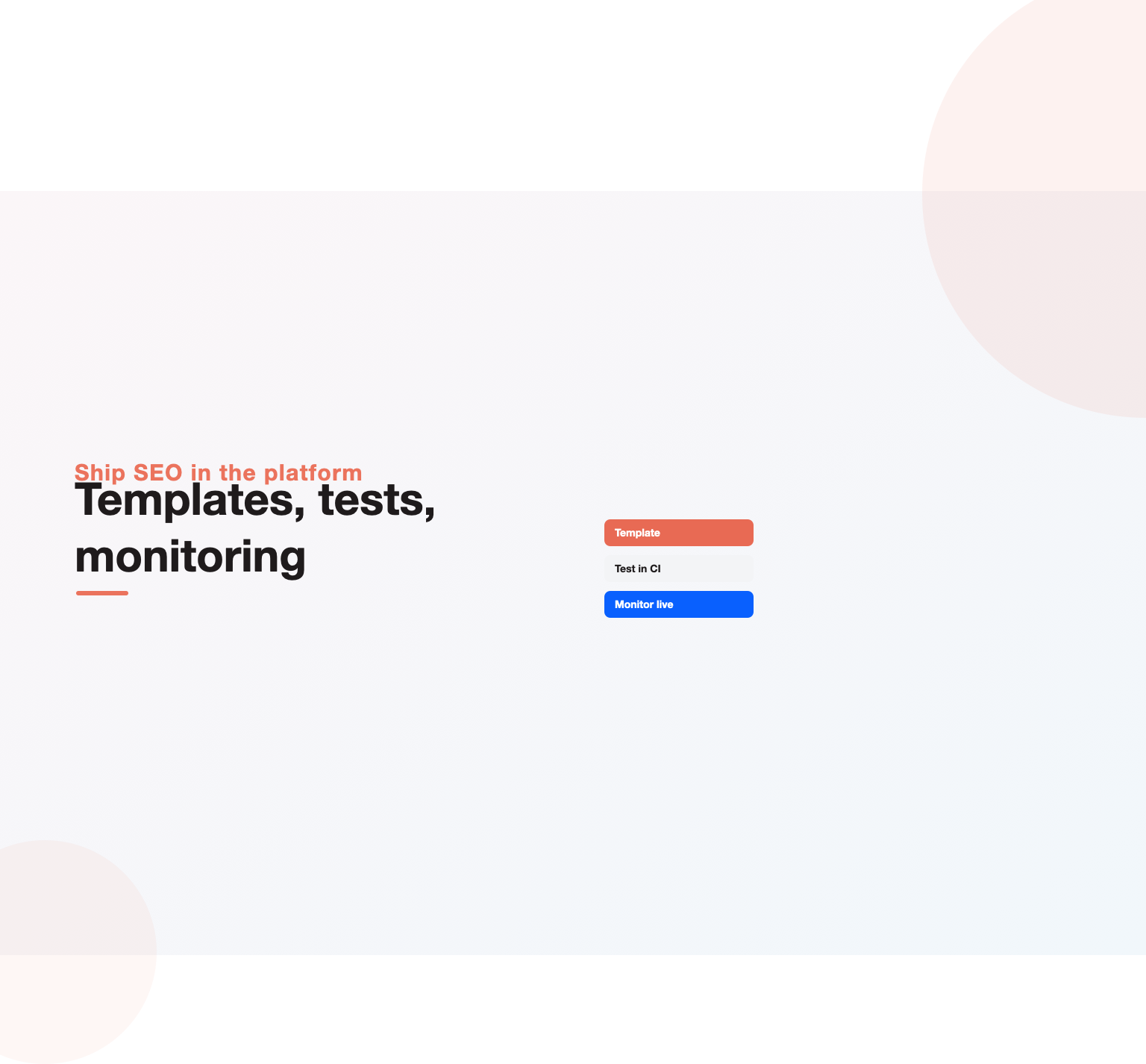
- Pre-release tests: run automated checks in staging or CI for status codes, canonicals, meta robots, titles, hreflang, structured data and internal link counts on a sample of URLs per template. Fail the build if a template suddenly adds noindex or drops its canonical.
- Design review: include an SEO review step for new templates, navigation changes, URL changes and migrations, at the design stage rather than after launch.
- Acceptance criteria: write SEO requirements into tickets the same way as accessibility or performance requirements.
- Change log: keep a record of releases so traffic changes can be matched to deployments.
Even a small test suite, such as fifty URLs checked on every deploy, prevents the most expensive mistakes: a staging robots.txt pushed to production, a global noindex, or a canonical pointing every page at the homepage.
Monitoring: catching problems within hours
Large sites need alerts, not monthly reports, for technical issues. Set up monitoring for:
- Changes to robots.txt on every production host.
- Spikes in 5xx or 404 responses, overall and for Googlebot.
- Drops in crawl activity in Search Console crawl stats or server logs.
- Sudden falls in indexed pages per sitemap.
- Changes to titles, canonicals and meta robots on a fixed sample of key URLs.
- Organic traffic drops by template compared with the same day last week.
Platforms such as Lumar, Botify, Oncrawl, ContentKing-style change trackers and the enterprise suites can run much of this. Our review of enterprise SEO software compares the main options. Whatever the tool, route alerts to a named person who can act on them.
Log file analysis as a standing practice
Server logs show exactly what Googlebot requests, how often and what it receives. On enterprise sites they should be a continuous data feed, not a one-off export. Load verified bot requests into a warehouse such as BigQuery, tag each URL by template, and track crawl share by section over time. Useful questions to answer every month: Is crawl moving toward revenue templates or away from them? How quickly are new pages first crawled? Which parameter patterns are still consuming requests? Are bots seeing more errors than users?
Logs also give the SEO team evidence that engineering trusts. A chart showing 40 percent of crawl going to filter URLs makes a stronger case for a robots rule than any opinion.
Want a team to run this SEO work for you?
Book a free 30-minute strategy call and leave with a clear next step for your business.
Migrations, replatforming and redesigns
Migrations are the highest-risk events in enterprise technical SEO. A domain change, CMS replacement or URL restructure can cut organic traffic sharply if redirects, canonicals or content are lost. Plan the SEO workstream from the start:
- Crawl and record the current site, including URLs, titles, canonicals, structured data and internal links.
- Map every old URL with traffic, links or conversions to its new equivalent.
- Test the new platform in staging against the same checks used in CI.
- Launch with one-to-one 301 redirects, updated sitemaps and internal links that point to new URLs directly.
- Monitor logs, indexation and rankings daily for the first weeks.
Our website migration SEO guide covers the checklist in full.
A worked example: one rule, 60,000 pages
Here is an illustrative case based on patterns we see often. A US B2B marketplace with about 250,000 supplier and product pages moved its front end to a JavaScript framework. Rankings slipped over three months. Testing showed that product listings on category pages were loaded by a client-side request after the first render, so the initial HTML had no links to roughly 60,000 product pages. Google found them only through sitemaps and crawled them rarely.
The fix was a single change: server-render the first page of each listing with real anchor links. No content was rewritten. Within weeks, crawl frequency on product pages rose and most of the affected URLs regained their positions. That is typical of enterprise technical SEO: the problem looks like a ranking issue, the cause sits in a shared component, and one engineering ticket fixes it everywhere.
Working with engineering teams
Technical SEO at scale depends on influence. Engineering teams have their own roadmaps, and SEO requests compete with features, security and performance work. A few habits make the difference:
- Bring evidence. Logs, Search Console data and revenue by template turn an SEO request into a business case.
- Size the impact. Estimate the traffic or revenue at stake for each fix, even roughly.
- Write precise tickets. State the problem, affected templates, the exact change, acceptance criteria and how to test it.
- Join planning early. SEO input at design stage is cheap; after launch it is expensive.
- Share wins. Report the results of shipped fixes back to the team that built them.
Prioritizing technical work
There is always more technical work than capacity. Rank fixes by how many revenue URLs they affect, how much they change crawling, indexing or rankings, how confident you are in the evidence, and how much effort they need. Fixes to shared components, such as navigation, listing modules, canonical logic and rendering, usually come first because they touch the most pages. Cosmetic crawler warnings come last. Our technical SEO checklist is useful for page-level items once the system-level fixes are in place.
Technical SEO for AI search and new crawlers
AI Overviews, AI Mode and assistants such as ChatGPT and Perplexity rely on content they can fetch and parse. For large sites this adds three technical tasks. Decide which AI crawlers to allow in robots.txt, and apply the rule consistently across every host. Make sure key content is in the initial HTML, since many of these crawlers do not execute JavaScript. Retain structured data and clear headings in place so passages can be extracted cleanly. Our guide on how to optimize for Google AI Overviews covers the content side.
Common enterprise technical SEO mistakes
- Fixing pages instead of templates. The same bug returns on every new page.
- Relying on robots.txt to remove pages from the index. Blocked pages cannot show their noindex tag.
- Letting each team set canonicals. Conflicting signals lead Google to choose its own.
- Client-side rendering for key templates. Content and links may be missed or found late.
- No tests in the release process. One deploy can undo months of work.
- Ignoring third-party scripts. Marketing tags often cause the worst performance problems.
- IP-based redirects for international sites. Crawlers may never see other markets.
- Treating migrations as an IT project only. SEO needs to be involved from the first planning meeting.
Building the team and skills
An enterprise technical SEO function usually combines a technical SEO lead who sets requirements and priorities, one or more engineers or developer advocates who understand both search and the codebase, and an analyst who owns logs, Search Console data and monitoring. Larger companies often place an SEO engineer inside the platform team so requirements are built in by default. For reference, Matthew Edgar’s Tech SEO Guide from Apress is a solid shared reference for developers and marketers working together.
If you need outside help, our enterprise SEO services include technical strategy and engineering support, and our technical SEO auditing services cover deep crawl, log and rendering reviews for US sites.
Free playbook
Get our SEO audit template: 20-step checklist, auto-scoring priority sheet, ticket template and log-file query (PDF + Excel).
Key Takeaways
- Enterprise technical SEO is the same knowledge as any technical SEO, applied through systems, templates and engineering processes.
- Write and enforce rules for URLs, parameters, canonicals and sitemaps in code, not only in documents.
- Put main content, links and SEO tags in the initial HTML, using server-side or static rendering for pages that need to rank.
- Control facets with the right tool for the goal: robots.txt, noindex, canonical or no crawlable link.
- Automate SEO tests in the release process and monitor crawl, indexation and key tags daily.
- Bring evidence from logs and revenue data so engineering teams can prioritize the work.
Frequently asked questions
What is enterprise technical SEO?
It is technical SEO for very large websites, focused on the platform, templates, rendering, URL rules, infrastructure and release processes that let search engines crawl, index and rank hundreds of thousands of pages.
How is enterprise technical SEO different from regular technical SEO?
The checks are similar, but fixes are made in shared code and configuration, ship through engineering teams, and need automated tests and monitoring because large sites change constantly.
Is server-side rendering required for enterprise sites?
Not always, but pages that need to rank should deliver main content, links and SEO tags in the initial HTML. Server-side rendering or static generation is the most reliable way to do that.
How should a large site handle faceted navigation?
Make only facet combinations with real search demand indexable, with clean URLs and unique content. Control the rest with robots.txt, noindex, canonicals or non-crawlable filter links, depending on the goal.
What should be tested before every release?
Status codes, canonicals, meta robots, titles, hreflang, structured data and internal links on a sample of URLs per template, plus the robots.txt file on every production host.
Who owns technical SEO in a large company?
Usually a technical SEO lead sets requirements and priorities, while platform and product engineering teams build the changes. Clear ownership of robots rules, sitemaps and redirects is essential.
How often should log files be analyzed?
On enterprise sites, logs should be a continuous feed reviewed at least monthly, with alerts for sudden drops in crawl activity or spikes in errors.
Ready to put this into practice?
Talk to the team that runs SEO, AI search and paid growth programs every day.
Book a Strategy Call →