 Skip to content

Google Business Profile Optimization: The Complete Guide for 2026
Google Business Profile optimization step by step: categories, reviews, photos, India-specific verification, what changed recently and a 30-day plan to rank in the map pack.
Quick Answer
Google Business Profile optimization is the work of making your free Business Profile listing complete, accurate and active so it ranks higher in the map pack and Google Maps and turns more searchers into calls, direction requests and visits. The fields that move results most are the primary category, an accurate address or service area, real business hours, a steady flow of genuine reviews with replies, fresh photos, and a website link that lands on a relevant local page. Rankings depend on three things Google names itself: relevance, distance and prominence. You control relevance and prominence; distance you cannot change.
Key Highlights
- A ranked list of the profile fields that matter, so you fix the high-impact ones first.
- India-specific guidance: video verification, address formats, service-area setups and reviews in regional languages.
- What changed recently, including the end of profile chat and the free profile websites, and what to do instead.
- A practical review system that stays within Google’s policies.
- A 30-day plan you can follow, plus how to measure calls and leads from the listing.
- How to recover a suspended or wrongly edited profile.
What Google Business Profile optimization actually is
Your Business Profile is the panel that appears when someone searches your brand, and the listing that shows in the local map pack and in Maps when someone searches for a service near them. It holds your name, category, address or service area, hours, phone number, website, photos, products or services, posts and reviews. Optimization means filling every relevant field correctly, keeping it current, and earning the signals that show Google your business is active and trusted.
It matters because for local searches the map pack often sits above the organic results. A plumber in Pune, a dental clinic in Mumbai or a law firm in Delhi can win most of its new enquiries from that block without ranking a single blog post. It is also free, which makes it the highest-return local channel most small businesses have.
Google Business Profile optimization is not a one-time setup. Competitors keep improving their listings, customers keep leaving reviews, and Google keeps changing features, so the work is ongoing in small monthly steps. If you want the wider picture first, our guide to local SEO explains how the profile fits with your website and citations.
How the local ranking system decides who shows
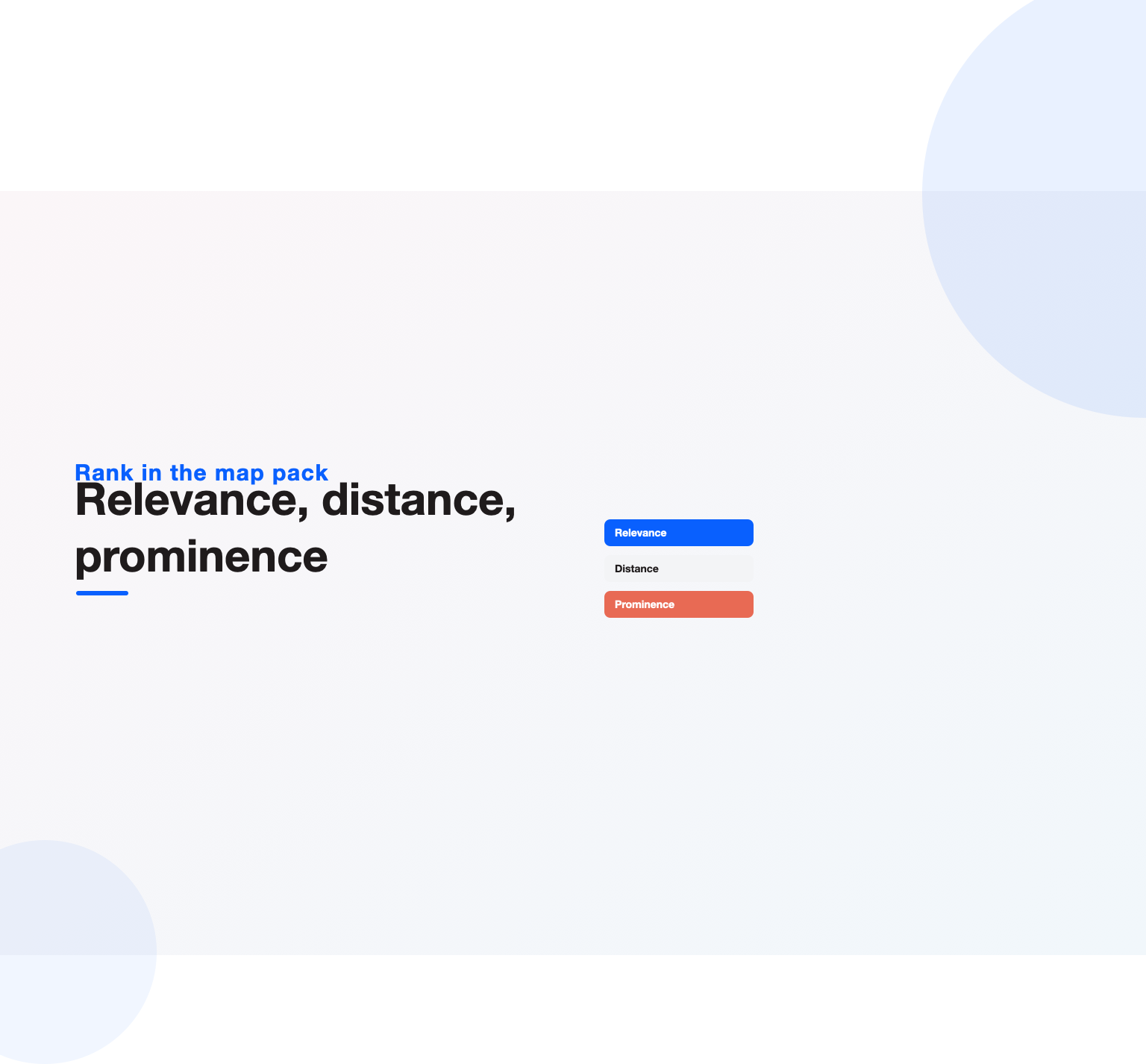
Google explains its local ranking in its help article on how to improve your local ranking. Three factors decide who appears:
- Relevance: how well your profile matches what the person searched. Your categories, services, description and reviews feed this.
- Distance: how far your business is from the searcher or from the location named in the search. You cannot optimize this, which is why a business slightly outside a busy area can still lose to a weaker listing that sits closer.
- Prominence: how well known and trusted the business is, based on reviews, ratings, links, mentions across the web and your overall search presence.
Every optimization step on this page works on relevance or prominence. That is a useful filter: if a tactic does neither, it is probably not worth your time.
The profile fields ranked by impact
Not every field carries equal weight. In our audits, the order below is where effort pays back fastest.
| Rank | Field or signal | Why it matters | Common mistake |
|---|---|---|---|
| 1 | Primary category | Tells the system what you are and which searches you can appear for | Choosing a broad category like “Marketing agency” when “Dental clinic” or “Divorce lawyer” fits |
| 2 | Reviews and replies | The biggest prominence signal you control; also drives clicks | Asking in bursts, never replying, or offering incentives |
| 3 | Business name | Must match your real-world name | Adding keywords or city names, which risks suspension |
| 4 | Address or service area | Defines where you can rank | Using a virtual office or a co-working desk you do not staff |
| 5 | Secondary categories | Unlock extra relevant searches | Adding unrelated categories that dilute relevance |
| 6 | Website link | Connects the listing to your site’s authority | Linking every location to the homepage |
| 7 | Hours, including holidays | Affects whether you show as open | Stale hours that cause bad reviews |
| 8 | Photos and videos | Lift engagement and trust | Stock images or a single logo |
| 9 | Services and products | Add relevance for specific offerings | Leaving them empty |
| 10 | Posts and updates | Show the business is active | Posting once and abandoning it |
If you only have an hour, spend it on the top four. Those are also the fields where a single error can hold a listing back for months.
Losing local customers to competitors on Google Maps?
Our team reviews your current setup and shows you where the opportunities are. See how our local SEO services work.
Step-by-step Google Business Profile optimization
1. Claim and verify the listing properly
Search your business name and check whether a profile already exists before creating a new one; duplicates split reviews and confuse ranking. Verification options now commonly include a recorded video showing your signage, the inside of your premises and proof of management such as tools or a key to the door. In India, video verification is often the only option offered to new businesses, so plan it in daylight with your street sign, building name and shop board clearly visible. Google’s own verification help page lists the current methods.
2. Choose the right primary and secondary categories
The primary category is the single most important choice. Pick the most specific option that describes your core business, then add a handful of secondary categories only where you genuinely provide that service. Look at the categories used by the top three businesses in the map pack for your main search, but do not copy categories you cannot back up with real services. Revisit categories once a year, because the list changes and new, more specific options are added for many trades and professions.
3. Get the name, address and phone exactly right
Your business name should match your signage and legal trading name with no extra keywords. Google’s guidelines for representing your business are strict here, and keyword-stuffed names are a frequent cause of suspensions. Use a local phone number that is answered during business hours, and keep the same name, address and phone across your website and directory listings.
For Indian addresses, include the building or shop number, floor, street, area or locality, landmark where useful, city and PIN code. Place the map pin on the actual entrance. Many listings in India rank poorly simply because the pin sits in the middle of a road or on the wrong side of a large complex.
4. Set a service area if customers do not visit you
Plumbers, electricians, cleaning services and other businesses that travel to customers should hide their address and set a service area instead. List the cities or localities you really serve. Service-area listings usually rank most strongly near their verified address, so a wide service area does not guarantee visibility across a whole metro.
5. Write a description for customers, not for keywords
You get 750 characters. Use the first 250 to say what you do, for whom and where, because that part is visible without expanding. Mention your main services and areas naturally, add what makes you different, and leave out phone numbers, links and promotional claims, which the guidelines do not allow in this field.
6. Add services, products and attributes
Fill in the services list with the exact services you offer and a short line on each. Product listings work well for retailers and for packaged services. Add relevant attributes such as wheelchair access, women-led, online appointments or languages spoken. Each one is a small relevance signal and helps searchers decide.
7. Upload real photos and short videos
Add your logo, a cover photo, the exterior from the street, the interior, your team at work and examples of finished jobs. Upload new photos every month rather than fifty on day one. Short phone videos of your space or a job in progress tend to earn more views than polished brand films. Avoid stock images; they add nothing and can confuse customers who arrive expecting what they saw.
8. Keep hours accurate, including special hours
Set regular hours and add special hours before Diwali, Eid, Christmas, regional holidays and local events. Listings that show open when the shop is shut collect angry reviews quickly, and those hurt more than any optimization helps.
9. Keep your listing details in sync after changes
Moving premises, changing your phone number or rebranding are the moments listings go wrong. Update the profile first, then your website, then the main directories, and keep a simple spreadsheet of every place your details appear. If you move, edit the existing listing rather than creating a new one, so you keep your reviews and history. Expect a short re-verification for address changes, and plan the move date so the listing never shows the old address and the new one at the same time. After any change, search for your business on a phone and on a desktop a week later to confirm that the panel, the map pin and the phone number all show the new details correctly, and that customers who search the old name or address still find you.
10. Link to the right page on your website
Point each location’s website link to a page about that location or service rather than the homepage, and add UTM parameters so the visits show up separately in your analytics. Make sure that page loads fast on mobile, shows the same address and phone, and has a clear call to action. Our on-page SEO guide covers what those location pages need.
11. Publish posts and updates regularly
Posts show that the business is active. Share offers, events, new services, before-and-after work and answers to common questions. A simple rhythm of one post a week is enough for most small businesses. Rotate between a recent job, a customer question answered in plain language, a seasonal offer and a team or behind-the-scenes photo, so the listing always shows something current and useful to the people deciding whether to call you. Pick real photos and a clear button such as Call or Book.
Reviews: the signal you can grow every week
Reviews influence both ranking and conversion, so they deserve a system rather than occasional effort. The aim is a steady stream of genuine reviews that mention the service and, where natural, the area.
- Ask at the right moment. Request a review right after a successful job or visit, while the experience is fresh.
- Make it easy. Share your direct review link on WhatsApp, SMS, invoices and a printed QR code at the counter.
- Ask everyone, not only happy customers. Selective asking, often called review gating, breaks the rules.
- Never pay or offer discounts for reviews. Google’s prohibited and restricted content policy covers fake engagement, and violations can remove reviews or the listing.
- Reply to every review. Thank positive reviewers briefly and specifically. For negative reviews, acknowledge the issue, take the details offline and never share private information.
- Welcome regional languages. In India many customers prefer to write in Hindi, Marathi, Tamil, Kannada or Telugu. Reviews in any language count, and replying in the same language builds trust.
Watch for review spikes. A sudden jump of reviews in one week, especially from new accounts, can trigger filters that hide them. Steady beats sudden.
What changed recently, and what to do instead
A few features many older guides still recommend no longer exist, so check your plan against the current product.
- Profile chat ended in 2024. The built-in messaging feature was retired. Put your WhatsApp number in the description or website instead, and make sure the phone number on the listing is answered.
- Free profile websites were shut down in 2024. The simple sites Google used to host for listings now no longer work. Link to a real page on your own website.
- AI answers now draw on listings. AI Overviews and assistants increasingly use profile data, reviews and website content to answer “best near me” questions. Accurate categories, detailed services and review text that describes the work help you get named. Our article on how AI answers “best near me” questions goes deeper.
Measuring results from the listing
The Performance view inside your profile shows searches, views, calls, direction requests and website clicks. Track these monthly, compare them with the same month last year to allow for seasonality, and look at which search terms brought people to the listing.
For a fuller picture, add call tracking for calls that come from the listing, UTM tags on the website link, and a simple note in your CRM for leads that mention finding you on Maps. A local rank tracker that checks positions across a grid of points in your city shows how visibility changes by neighbourhood; we compare the main options in our roundup of local SEO tools. For reporting that a busy owner can read in five minutes, see our guide to SEO reporting.
A 30-day plan
| Week | Focus | Tasks |
|---|---|---|
| 1 | Foundations | Claim or verify, fix name, address, phone and pin, choose primary and secondary categories, set hours |
| 2 | Content | Write the description, add services and products, upload 10 to 15 real photos, add attributes |
| 3 | Reviews | Create the review link and QR code, brief staff, start asking every customer, reply to all existing reviews |
| 4 | Activity and tracking | Publish the first posts, add UTM tags and call tracking, record a baseline from the Performance view |
After the first month, the routine is light: a weekly post, new photos each month, replies to every review within two days, and a quarterly check of categories, hours and competitors.
How the listing works with your website and citations
A Business Profile does not rank in isolation. Prominence draws on your whole online presence, so the listing performs best when three things line up. First, your website has a page for each location or core service, with the same name, address and phone as the listing, a map, opening hours and genuine local detail such as the areas you serve or projects you have completed nearby. Second, your business appears with consistent details on the directories that matter in your market, such as Justdial, Sulekha, IndiaMART or industry-specific listings in India, and Yelp or Bing Places in other countries. Third, local websites mention or link to you: neighbourhood associations, local news, event sponsorships, suppliers and partners.
Inconsistent details across these sources create doubt about which phone number or address is correct, and that doubt weakens the listing. A short citation clean-up, where you find old addresses and numbers and correct them, is often one of the quickest wins after the profile itself. Our complete local SEO guide walks through citations and location pages in detail.
Think of Google Business Profile optimization as the front door and your website as the house behind it. A polished listing that leads to a weak page wastes the visit, while a strong page with an empty listing is rarely found.
Fixing suspensions and unwanted edits
Listings get suspended most often for keyword-stuffed names, virtual or shared addresses, multiple listings for one location, or a service-area business showing an address it should hide. If yours is suspended, correct the cause first, then file a reinstatement request with evidence such as a utility bill, business registration, GST certificate, shop establishment licence and photos of signage. Do not create a new listing while the appeal is open.
Anyone can suggest edits to a public listing, and Google sometimes applies them automatically. Check your profile every week for changed hours, categories or phone numbers, and reject wrong edits from the dashboard. Competitors occasionally abuse this, so keep evidence of your correct details ready.
Google Business Profile optimization by business type
The fundamentals are the same everywhere, but priorities shift by sector.
- Clinics and dentists: categories by specialty, doctor names in the description where appropriate, appointment links and photos of the clinic. Our guide to dental SEO and healthcare SEO cover the rest.
- Law firms: practice-area categories, consultation booking, careful review replies that never confirm someone is a client. See local SEO for lawyers.
- Restaurants and cafes: menu, food photos uploaded weekly, accurate hours and reservation or ordering links. Our restaurant SEO guide explains more.
- Contractors and home services: service areas, before-and-after photos and fast replies. Read our guide to SEO for contractors.
- Real estate: the office as the location, project and locality photos, and agent profiles on the website. See SEO for real estate.
Want your business to show up first in local search?
Book a free 30-minute strategy call and leave with a clear next step for your business.
Multi-location businesses
Chains and franchises need one verified listing per real location, each with its own local phone number, hours, photos and a website link to that location’s page. Switch to bulk management for ten or more locations, keep a single source of truth for names and hours, and give each branch manager a simple routine for photos and review replies. Consistency across branches matters more than perfection at one.
How to audit your competitors in 20 minutes
Before changing anything, look at who already holds the top three positions for your main search, for example “dentist in Koramangala” or “CA firm in Andheri”. Open each listing and note five things: the primary category, the number of reviews and the average rating, how recently they received a review, how many photos they have and how old the newest one is, and whether they post updates. Then check their website link and the page it lands on.
Patterns appear quickly. If every top listing uses a more specific category than yours, change yours. If they each have 150 reviews and you have 20, reviews are your gap. If their photos are recent and yours are from 2021, start uploading. This short audit turns Google Business Profile optimization from a generic checklist into a plan aimed at the businesses you actually compete with. Repeat it every quarter, because the map pack shifts as competitors improve.
A free grid rank checker or a paid local rank tracker shows where you appear across a city rather than at a single point. That matters in large Indian metros, where a listing can rank first in one neighbourhood and not appear two kilometres away.
Common mistakes that hold listings back
- Two listings for one location. Duplicates split reviews and confuse ranking. Merge or remove the extra one through support.
- A category chosen for vanity. “Consultant” or “Company” tells the system almost nothing. Specific categories win.
- Hours that never change. A listing that shows open on a public holiday sends people to a closed door and invites one-star reviews.
- A website link to a slow homepage. Searchers who tap through and wait ten seconds go back and choose a competitor.
- Ignoring negative reviews. Silence looks worse than the complaint. A calm, specific reply shows future customers how you handle problems.
- Buying reviews or asking staff and family. These are often filtered, can be removed in bulk, and put the whole listing at risk.
- Treating the work as finished. Google Business Profile optimization pays off through small monthly actions; a perfect setup left untouched for a year slowly loses ground.
Reaching customers in more than one language
India is multilingual, and so are local searches. Customers in Chennai, Hyderabad, Bengaluru or Pune may search in English, in their regional language, or in a mix. Your profile itself has one primary language, but you can still serve these searchers well.
- List languages spoken as an attribute where available, and mention them in your description.
- Reply to reviews in the language the reviewer used.
- Write some posts in the regional language your customers use most, alongside English posts.
- Make the linked website page available in the same languages, so the experience is consistent after the click.
For businesses serving customers abroad as well, such as clinics with international patients or exporters with a showroom, the listing still ranks for the physical location. Pair it with dedicated pages on your website for each audience rather than trying to stretch one profile across countries.
Products, offers and booking links
Products and offers turn a listing from a directory entry into a shop window. Retailers can add individual items with photos and prices, while service businesses can list packaged services with a short description. Offers posts with a clear start and end date work well around festivals and seasonal peaks.
Where your category supports it, add an appointment or booking link that goes straight to your booking page or calendar. Each removed step means more completed bookings. Keep these links tagged with UTM parameters so you can see how many bookings start on the listing, and review them monthly as part of your wider Google Business Profile optimization routine.
When to do it yourself and when to get help
Most single-location businesses can handle Google Business Profile optimization themselves with the steps above and an hour a week. Help is worth it when you run several locations, operate in a competitive category such as legal, healthcare or home services in a large city, have a suspension you cannot resolve, or need the listing tied into a wider local SEO plan with location pages and citations. Our local SEO services cover exactly that, from audits to ongoing management.
Key Takeaways
- Fix the primary category, name, address and pin first; they decide whether you can rank at all.
- Treat reviews as a weekly habit, ask every customer, and reply to every review.
- Rely on real photos, accurate hours and a website link to a relevant local page.
- Ignore features that no longer exist, and prepare your listing for AI answers.
- Measure calls, directions and leads, not just views.
- Check the listing weekly for unwanted edits, and keep evidence ready for any suspension.
Frequently asked questions
How long does Google Business Profile optimization take to show results?
Fixes to categories, name, address and hours can change visibility within a few weeks. Review growth and activity build results over three to six months, and competitive categories in big cities take longer.
Does posting on my Business Profile improve rankings?
Posts are more of an engagement and trust signal than a direct ranking factor. They help customers choose you, keep the listing looking active, and can highlight offers and services.
Can I add keywords to my business name?
No. The name must match your real-world name. Adding service or city keywords breaks the guidelines and is one of the most common causes of suspension.
How many reviews do I need to rank in the map pack?
There is no fixed number. Compare yourself with the businesses already in the map pack for your main search and aim to match their volume and rating, with a steady flow of new reviews each month.
Should a home-based business show its address?
If customers do not visit you, hide the address and set a service area. Only show an address if you serve customers there during your stated hours.
Is Google Business Profile optimization different in India?
The rules are the same worldwide, but in India video verification is common, address formats need landmarks and PIN codes, map pins are often misplaced, and many customers write reviews in regional languages. Plan for those details and the rest of the process is identical.
What should I photograph for my listing?
Shoot the storefront from the street so people recognise it on arrival, the reception or shop floor, your team at work, and examples of finished work or popular products. Take photos in good daylight, keep them recent, and add a few new ones each month rather than many at once.
Can I manage my Business Profile without a website?
Yes, a listing can rank without a website, but it usually performs better with one. A relevant local page gives searchers more reasons to choose you and strengthens the prominence signals behind the listing.
Who should own the Business Profile account?
The business should always be the primary owner, using a company email address. Agencies and staff can be added as managers, so access can be removed later without losing control of the listing.
Ready to put this into practice?
Talk to the team that runs SEO, AI search and paid growth programs every day.
Book a Strategy Call →